Sign in once, stay in
The app keeps your session between launches and can lock it behind a PIN or a fingerprint. Tap the icon and you are back at the last table without typing a password while someone watches over your shoulder.
The bt99 app puts the whole lobby on your Android phone: slots, live tables, Crash rounds and cricket markets in one install. It comes as a direct APK, so the Play Store is not in the way. Download the file here, sign in once, and the schedule board travels with you.
bt99.apk · 58 MB · Android 8.0+
18+ · Play Responsibly
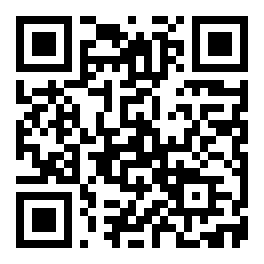
Point your camera at the code to open this page on your phone, then tap the download button.
One tap saves the installer to your phone. The browser drops bt99.apk into your Downloads folder and stops there, so nothing is installed until you open the file yourself. Use Wi-Fi if your data pack is tight, and keep the screen awake until the notification says the transfer is complete.
File name: bt99.apk
Download APKIf the button sits there doing nothing, check that your browser is allowed to save files and try again on a different connection. A half-finished file is the most common reason an install refuses to start.
| Item | Detail |
|---|---|
| Version | 2.4.13 |
| File size | 58 MB |
| Android minimum | 8.0 |
| Last updated | 9 November 2026 |
| Price | Free |
| Languages | English, Bangla |
| Installed from | bt99.blog (APK, not Play Store) |
Android shows you a list before the install finishes. Here is the short version of that list, so you know what you are agreeing to and what stays closed. Four items, no hidden extras.
Saving the APK and caching slot graphics are the only jobs the app has on your storage. It does not open your photos, your Downloads history or your chat attachments, and it does not write anything outside its own folder.
Deposit confirmations, withdrawal updates and settled bet slips arrive as alerts. Switch them off in Android settings and every game still works; you simply check the balance screen yourself instead of being told.
Android blocks any package that does not come from the Play Store. You allow it for the browser you download with, not for the whole phone, and the switch goes back off whenever you want. It is a per-app setting, not a permanent unlock.
Phone numbers, messages and GPS are not in the request list at all, so the app cannot read them. If a download page ever asks for those three, you are not on bt99.blog: close it and come back to this address.
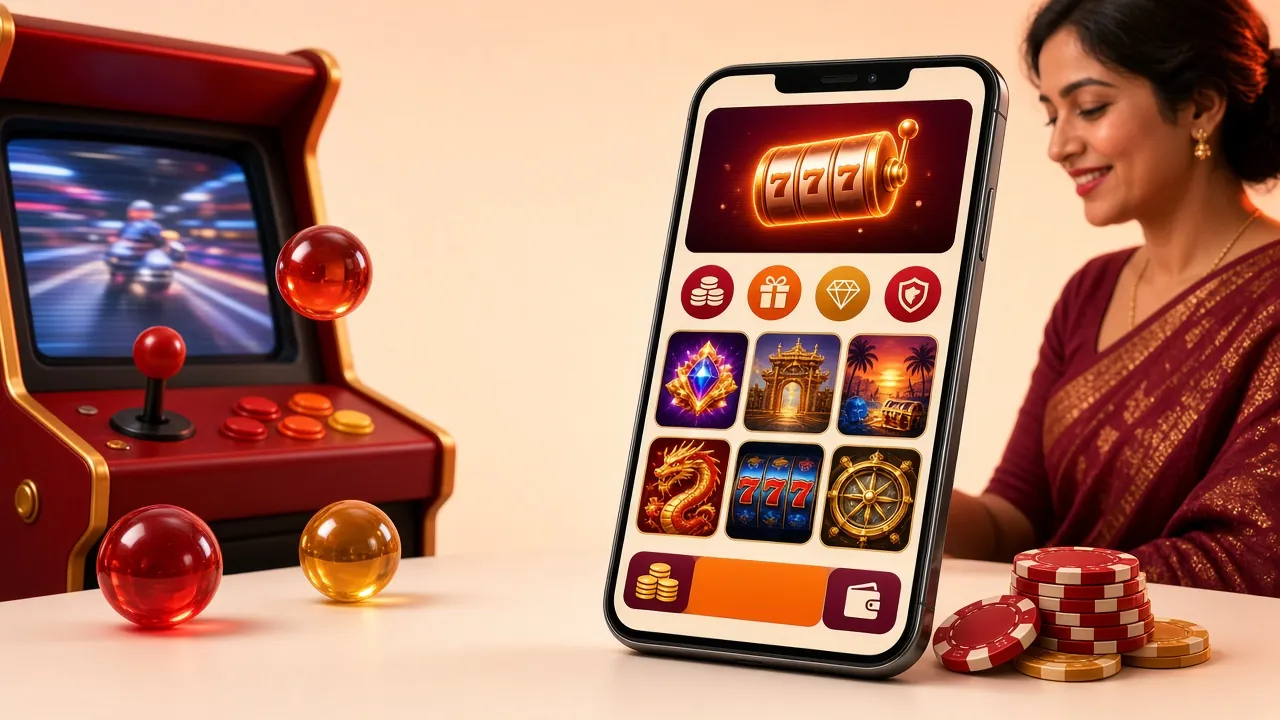
The games are the same ones you find in the browser. What differs is how quickly you reach them, and how much of your data pack the trip costs.
The app keeps your session between launches and can lock it behind a PIN or a fingerprint. Tap the icon and you are back at the last table without typing a password while someone watches over your shoulder.
Favourites, recently played slots and an unfinished Crash round sit at the top of the home screen, so a lobby of twelve hundred titles stops being a long scroll and starts being a shortlist.
Cash-in and cash-out open the wallet page inside the app. Deposits normally clear in about 6 minutes and withdrawals in about 24, with the status sitting on the same screen instead of an inbox.
Ball-by-ball and pre-match prices for BPL, internationals and the big football leagues sit beside the live score, with the bet slip pinned while you watch. No second tab, no refreshing.
Game art is cached after the first load, so repeat sessions pull less data. When the signal drops, the app reopens the last screen you used instead of rebuilding the lobby from scratch.
Nothing installs quietly in the background. A new build appears as a prompt with its version number, you download the APK again, and your balance and bonus progress stay on the account throughout.
Both run in the app exactly as they do on the site, with the same limits and the same return figures.
Neither route gives you better odds or faster payouts. The difference is convenience, storage and how much you care about updates arriving by themselves.
| What you are doing | In the bt99 app | In the browser |
|---|---|---|
| Opening the lobby | One tap; the last table is already loaded | Type the address or find the bookmark, then wait for the page |
| Signing in | Stays signed in, with PIN or fingerprint | Password on each new session |
| Cash-in with bKash or Nagad | Wallet page opens inside the app | Same flow, one more tab to manage |
| Withdrawal request | Status sits beside the balance | Status lives on the site menu |
| Mobile data over a month | Cached art cuts repeated downloading | Lobby reloads fresh on every visit |
| New versions | You install each APK yourself | Always the current build, no action |
| On an iPhone | Not possible; there is no iOS package | Works in Safari, add to home screen |
Take the app if you play daily on Android and want the shorter walk to the table. Stay in the browser on a shared phone or an iPhone, where nothing needs installing and no file sits in your storage. Both sign in to the same account, so switching costs you nothing but a login.
From the settings toggle to your first bet slip, this is the whole path. It takes about as long as making a cup of tea, mostly waiting for the file.
Allow installs from your browser
Open Settings, then Apps, then Special access, then Install unknown apps. Pick the browser you download with and switch “Allow from this source” on. You can turn it back off straight after the install finishes.
Save the APK to your phone
Return to this page and tap Download APK. The 58 MB file lands in Downloads in under a minute on decent Wi-Fi. Keep the screen on until the notification confirms it, because a sleeping phone can stall the transfer halfway.
Open the file and confirm the install
Pull down the notification shade and tap bt99.apk, or open Files and look under Downloads. Android lists what the app will access. Tap Install. If Play Protect warns about an unknown developer, choose More details, then Install anyway.
Let the package unpack
The bar takes a few seconds on most handsets and up to a minute on older ones. Do not tap the icon while it is still greyed out. When the screen says Done, the bt99 app appears in your drawer with the other icons.
Sign in, deposit and set your limits
Open the app and log in with your bt99 details, or create an account first. Deposit at least ৳450 with bKash or Nagad, then open Profile to start a session reminder and see which bonus is active.
If a step refuses to cooperate, the troubleshooting table below covers the five failures that account for almost every stuck install. Most of them trace back to a half-finished download or a toggle that never got switched.
An APK is a plain package, so the requirements are short. The failures come from phones that are full, or from Android builds too old to read the file.
| Requirement | Minimum | Why it matters |
|---|---|---|
| Android version | 8.0 | Anything older cannot open the package, no matter what you tap |
| Free storage | 58 MB | The download plus room to unpack; an update needs the same space again |
| Connection | Wi-Fi or steady 4G | A drop mid-download leaves a broken file that will not install |
| Install permission | On for your browser | Android blocks side-loaded files by default |
| Updates | Manual | New builds arrive as a fresh APK, never pushed silently |
To check what you are running, open Settings, then About phone, then Android version. Inside the app, the build number sits under Profile. If it is behind 2.4.13, download the current file from this page and install it over the old one; your account data is untouched by the swap.
Five messages cover nearly every complaint we see on Android. Read the middle column before you start deleting things; the fix is usually smaller than the error suggests.
| What you see | Likely cause | What to do |
|---|---|---|
| “App not installed” | The APK was cut short, or an older build with a different signature is still on the phone | Delete the file, uninstall the old version, download again on a stable line, then open the new file |
| Blocked by Play Protect | Android scanned a side-loaded package and flagged the unknown developer | Tap More details, then Install anyway. Switch scanning back on once the install is done |
| Install button greyed out | Unknown-source access is off for the app you downloaded with, or storage is full | Enable it for that browser, clear some space in Gallery or Downloads, then retry |
| App opens, then closes | Android older than 8.0, or an out-of-date Android System WebView | Check the version under About phone, update WebView from the Play Store, reinstall the APK |
| Signed out on every launch | Battery saver is killing the background session, or the phone cleared app data | Set bt99 to Unrestricted in battery settings, then log in once more with Remember me ticked |
Still stuck after that list? Clear the partial file, restart the phone and run the five steps again from the top. A restart fixes more installations than any other single move.